Same request, two results: “build me a landing page for my productivity app”.
Left: a normal prompt. Right: the same prompt plus a seed string, a random string the AI designs from.
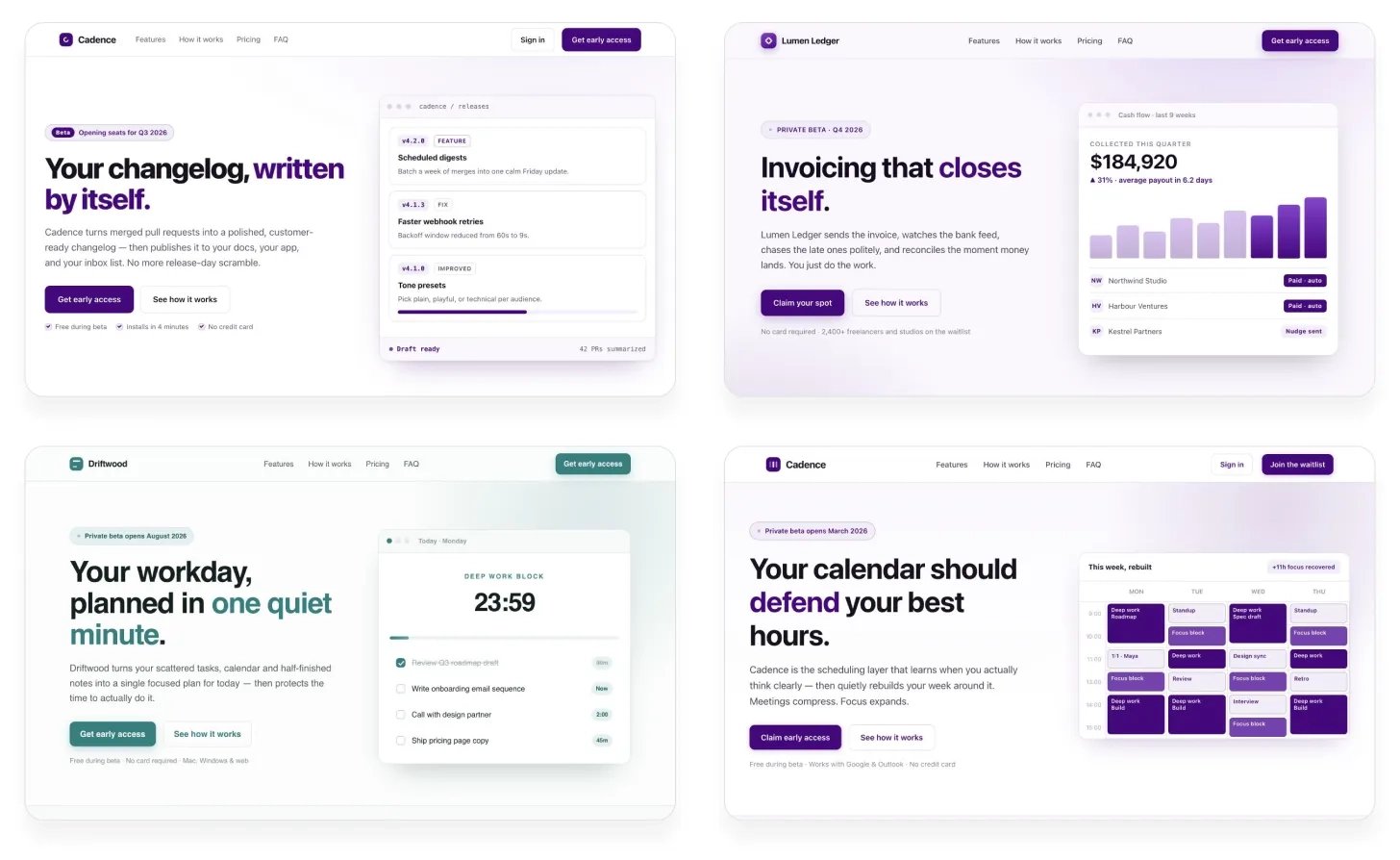
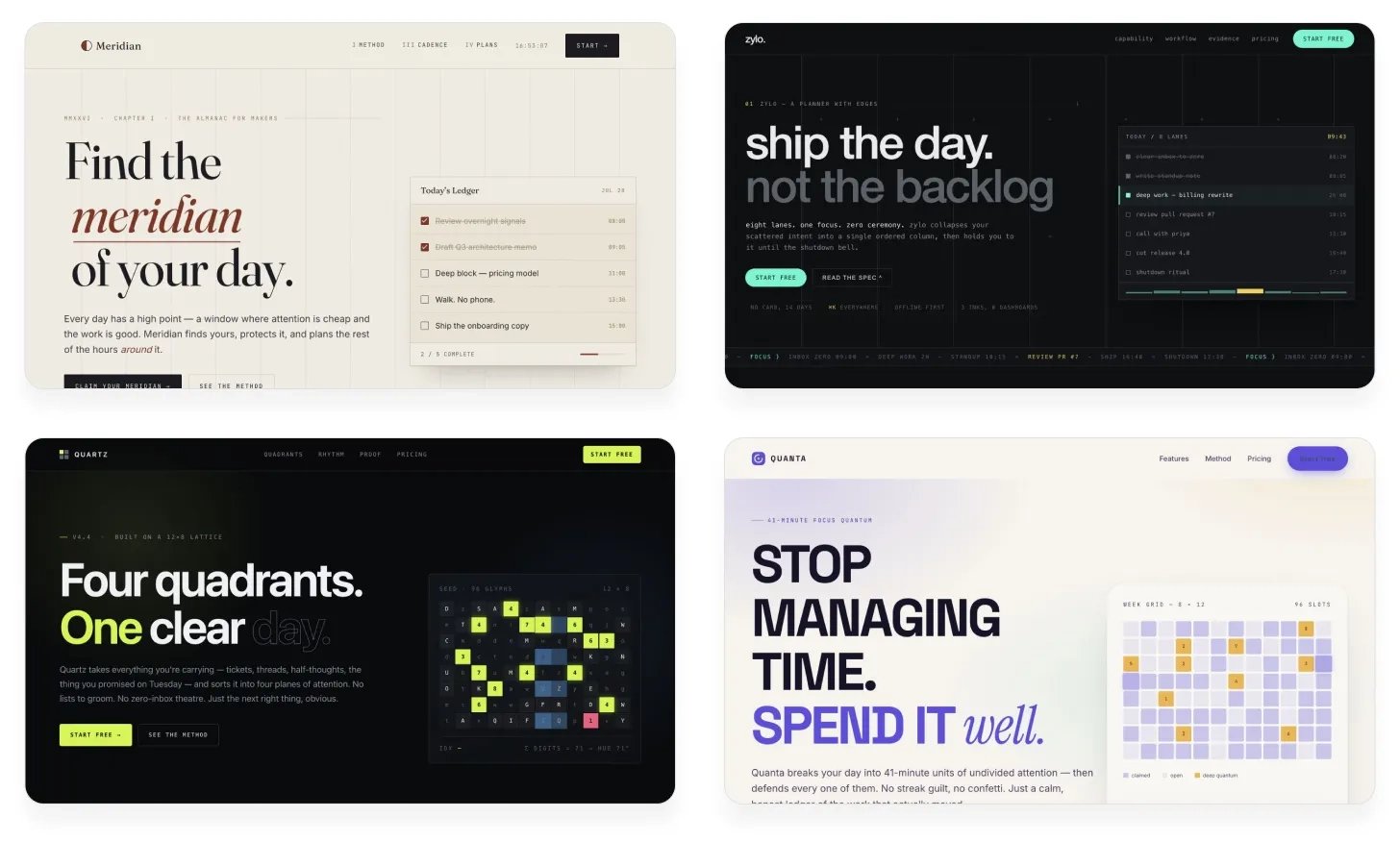
Fresh direction instead of the default. Works for design, copy, naming. Via @anshuc.
Why it works
Ask AI to “be random” and it keeps giving similar answers. It has no real randomness, so it falls back on the most typical option.
The trick: get randomness from elsewhere. A script makes random letters and numbers, and the AI bases its choices on that.
When to use it
A seed string helps when AI’s usual answer is the problem.
- Good for: copy, product names, landing page and illustration styles, onboarding flows, etc.
- Not for: design systems, accessibility, bug fixes etc.
It adds variety, not quality.
The prompt
I want you to create [deliverable] for [context].

Follow this procedure:
1. Generate a long, random alphanumeric string using a shell script.
2. Use the string to decide: [what the string drives].
   Look beyond the surface for subpatterns, special numbers,
   anything that inspires you.
3. Keep these fixed: [constraints].
4. Use your judgment to bring this direction to life
   and make it work well for [user / goal].

Don't reveal the string in the result. It's only for your inspiration.
To adapt a seed string prompt:
- Change the first line to the task
- Change what the random string decides
- Add a line for what must stay fixed
Then run it a few times, each in a new chat. Every run gets a new string, so every result differs. Pick the best one.